How to Download High-Res Images from Twitter/X, Pinterest, and Instagram
Social media platforms like Twitter (X), Pinterest, and Instagram are treasure troves of visual inspiration. However, they often make it difficult to download the original high-resolution images
- Twitter converts images to `.webp` or hides the original URL.
- Instagram disables right-click saving.
- Pinterest shows compressed previews in the feed.
Here is how you can bypass these restrictions and download the best quality images using Keptora.
How to Download from Twitter (X) Threads
Twitter threads can contain dozens of images.
- 1. Open the Twitter thread or user profile.
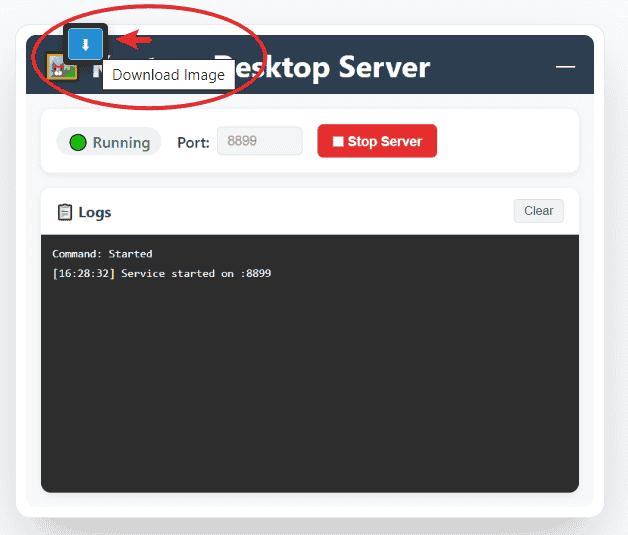
- 2. Hover over any image. You will see Keptora's floating **Download Button (HUD)**.
- 3. Click the button to download the **Original (Highest Quality)** version instantly.
- 4. For bulk downloading, open the Keptora Studio to grab all images from the timeline at once.
How to Bulk Save Pinterest Pins
Pinterest is great for mood boards, but saving pins one by one is tedious.- 1. Search for your keyword (e.g., "Minimalist Interior").
- 2. Scroll down to load plenty of pins.
- 3. Open **Keptora Studio**.
- 4. Use the **"Size Filter"** to exclude user avatars (e.g., set Height > 300px).
- 5. Select the images you like and click Download.
Extracting Product Images from Amazon/Shopify
E-commerce sites often use "Zoom" features that hide the real image behind complex code. Keptora's **Deep Scan** technology automatically detects `srcset` and `zoom-data` attributes. It lists all available resolutions, allowing you to pick the largest product photos for your research.
Bypassing Instagram's Restrictions
Instagram blocks the "Save Image As" menu. Keptora bypasses this by reading the image directly from the browser's cache and data stream.
- Just hover over an Instagram post and click the download arrow.
- It works for both single posts and carousels!